📰 News
New feature: play our tunes directly in VLC as M3u-playlists. We show you how.
📅 September 5, 2026, updated on September 18, 2026
📝 Full story
M3U - play it like its 1999
Back in the day before web browsers, we had to run programs such as WinAmp to play music and in that era, the simple yet capable format that was called m3u was invented. It's just a textfile that have links to the songs you want in the playlist. It worked then and works today with the most common players. In this day and age, people still using players mostly rely on VLC.
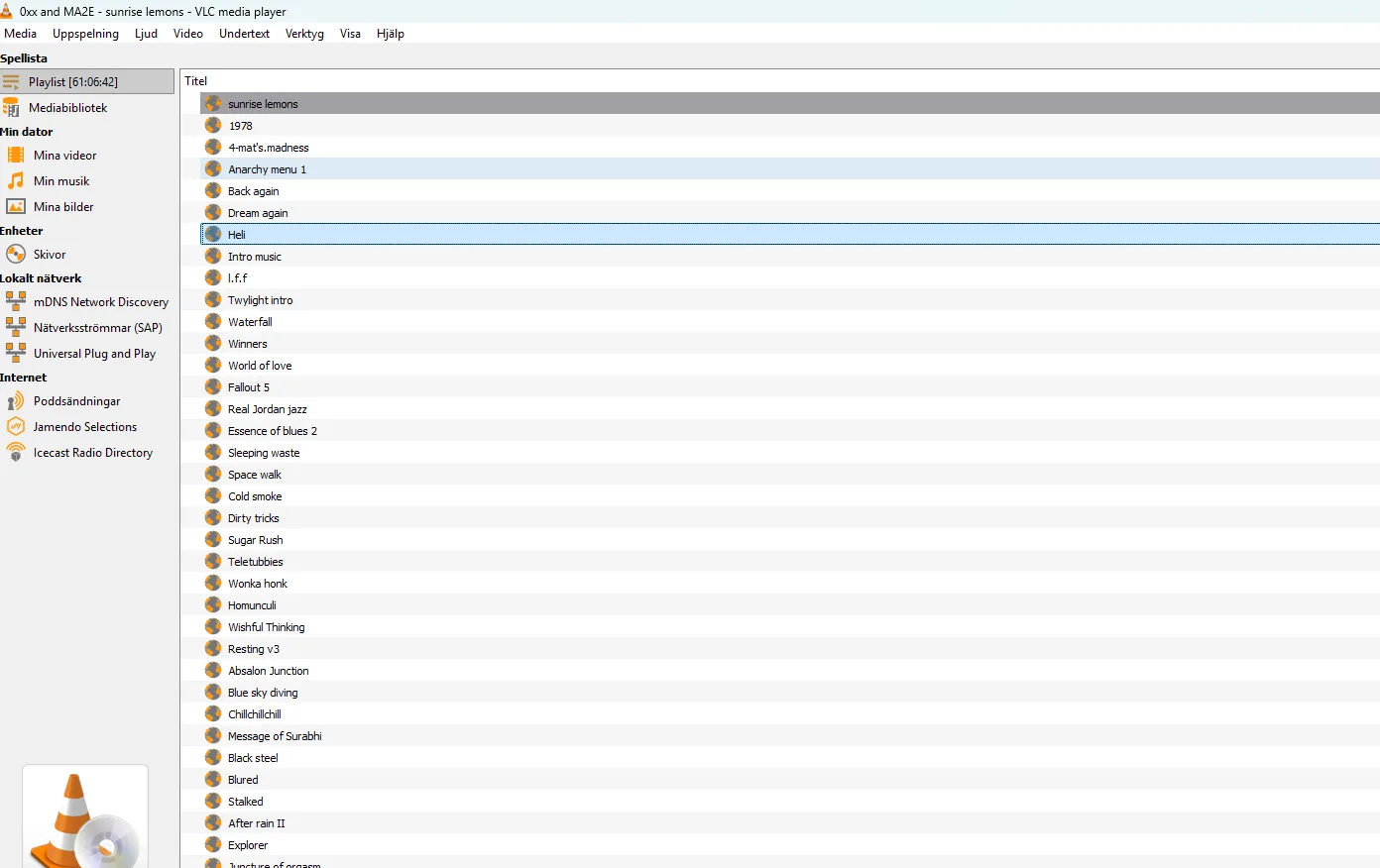
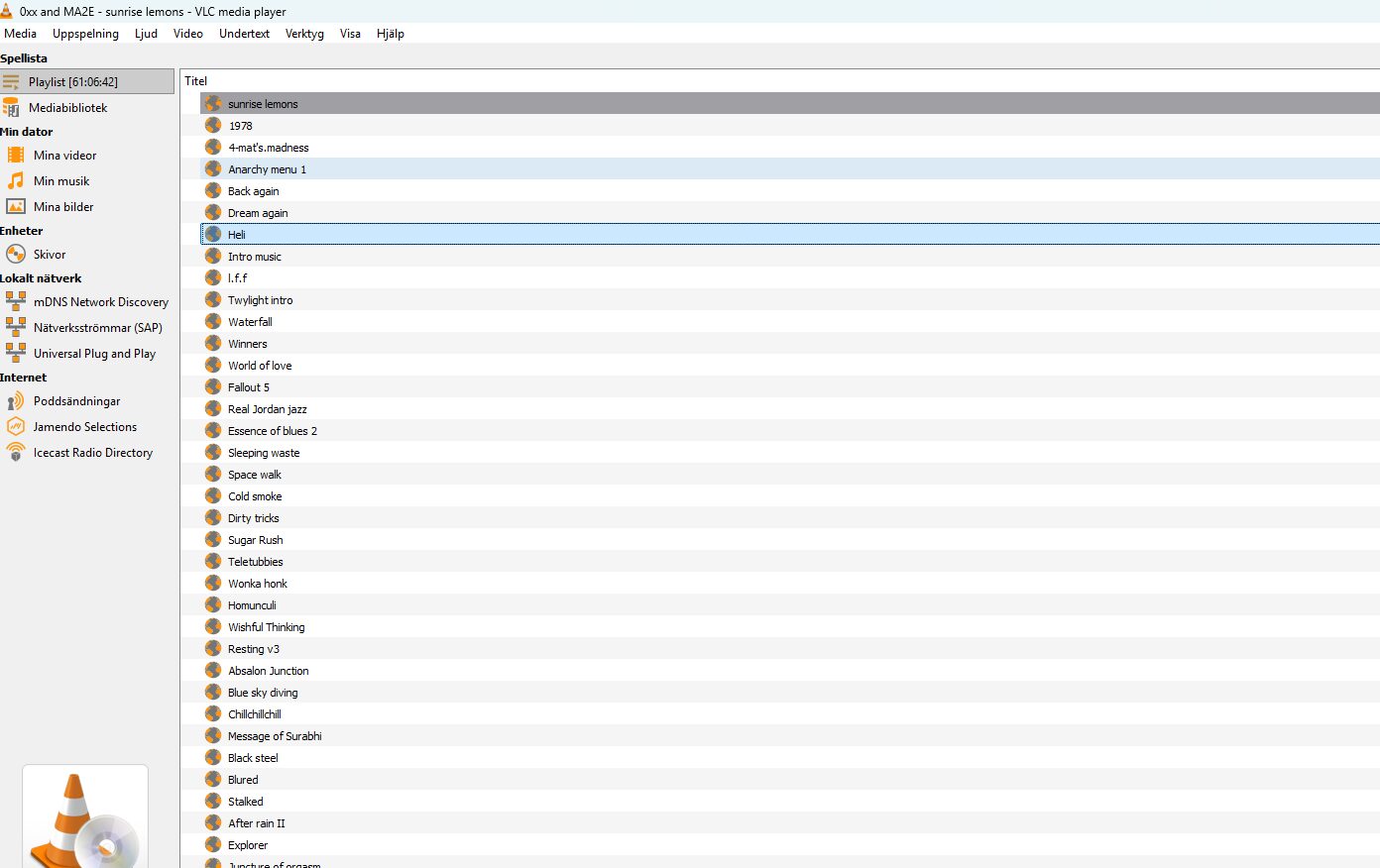
So how do you load an .m3u file in VLC? Easy! Just open VLC, go to file / Open Network Stream, or drag-and-drop the file to the player, or double-click the file association after downloading a playlist of your liking.
Ericade.radio now has an automatic playlist generator that builds fresh playlists in the .m3u-format every night. It lets you play the original tracker music in its native format (like Impulsetracker, Amiga Module or Fasttracker), already processed mp3-files or you can listen to podcast episodes.
Here is a complete collection of our playlists sorted as tracker format, demo party or podcast episode type.
Need to be in the know? Try our RSS-feed
Just add our RSS feed to your news-reader and we will tell you all the station news including new demo party playlists, upcoming live broadcasts and other interesting news.
Comments